> For the complete documentation index, see [llms.txt](https://bhushans-devops-organization.gitbook.io/gcp-devops/llms.txt). Markdown versions of documentation pages are available by appending `.md` to page URLs; this page is available as [Markdown](https://bhushans-devops-organization.gitbook.io/gcp-devops/gcp-bucket-with-terraform.md).
# GCP Bucket with Terraform
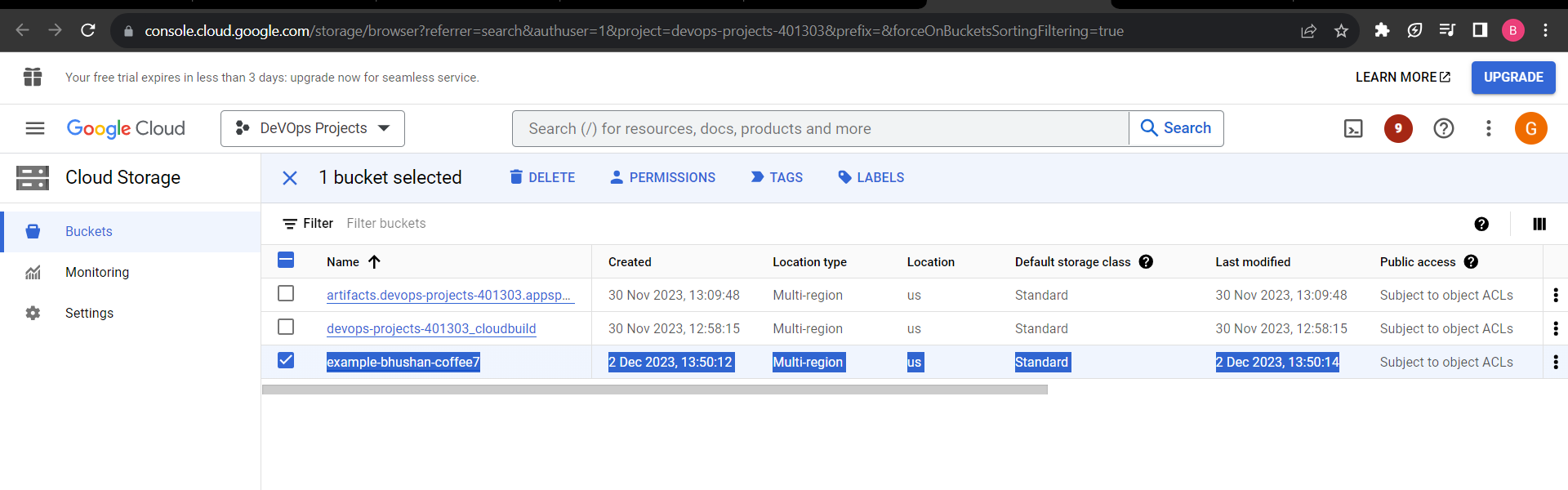
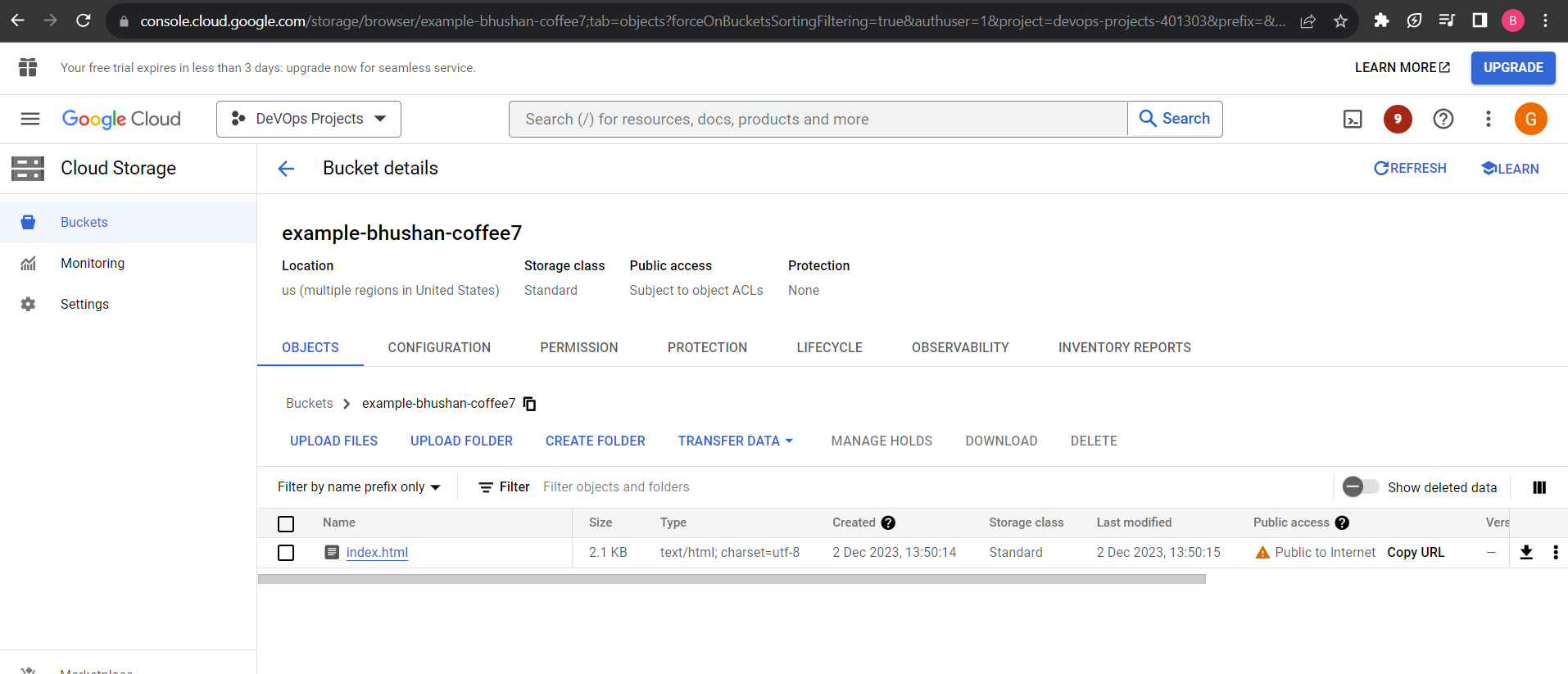
In these Project, We are learn , How to create the GCP Bucket and upload the index.html on the Bucket using the terraform
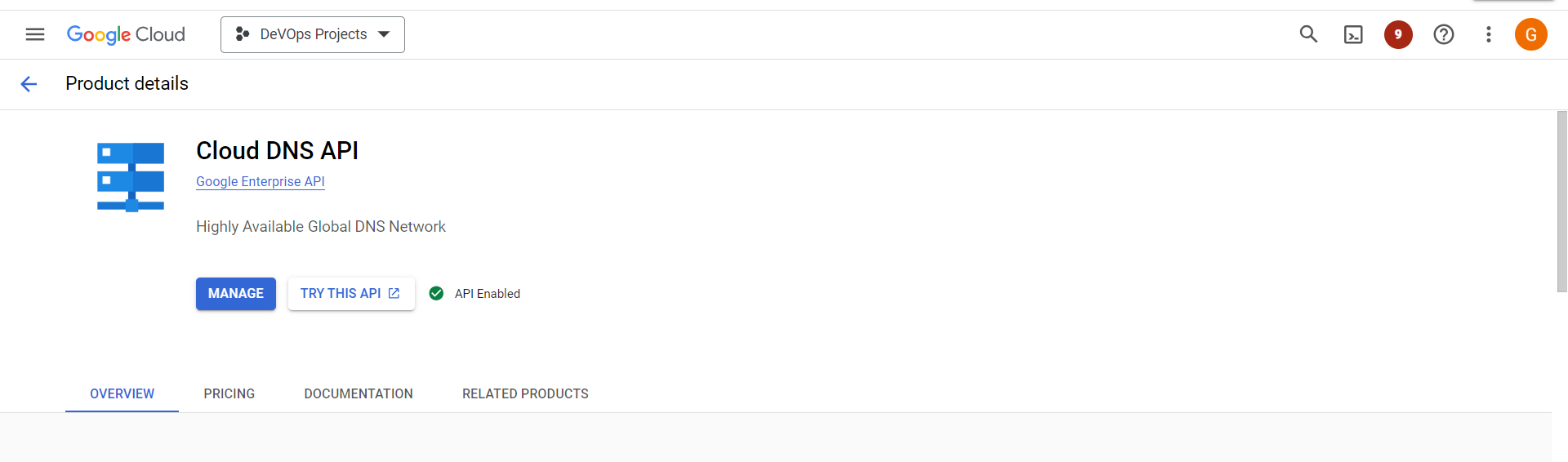
## Enable the Below API
Cloud DNS API\
Compute Engine\
IAM & Admin
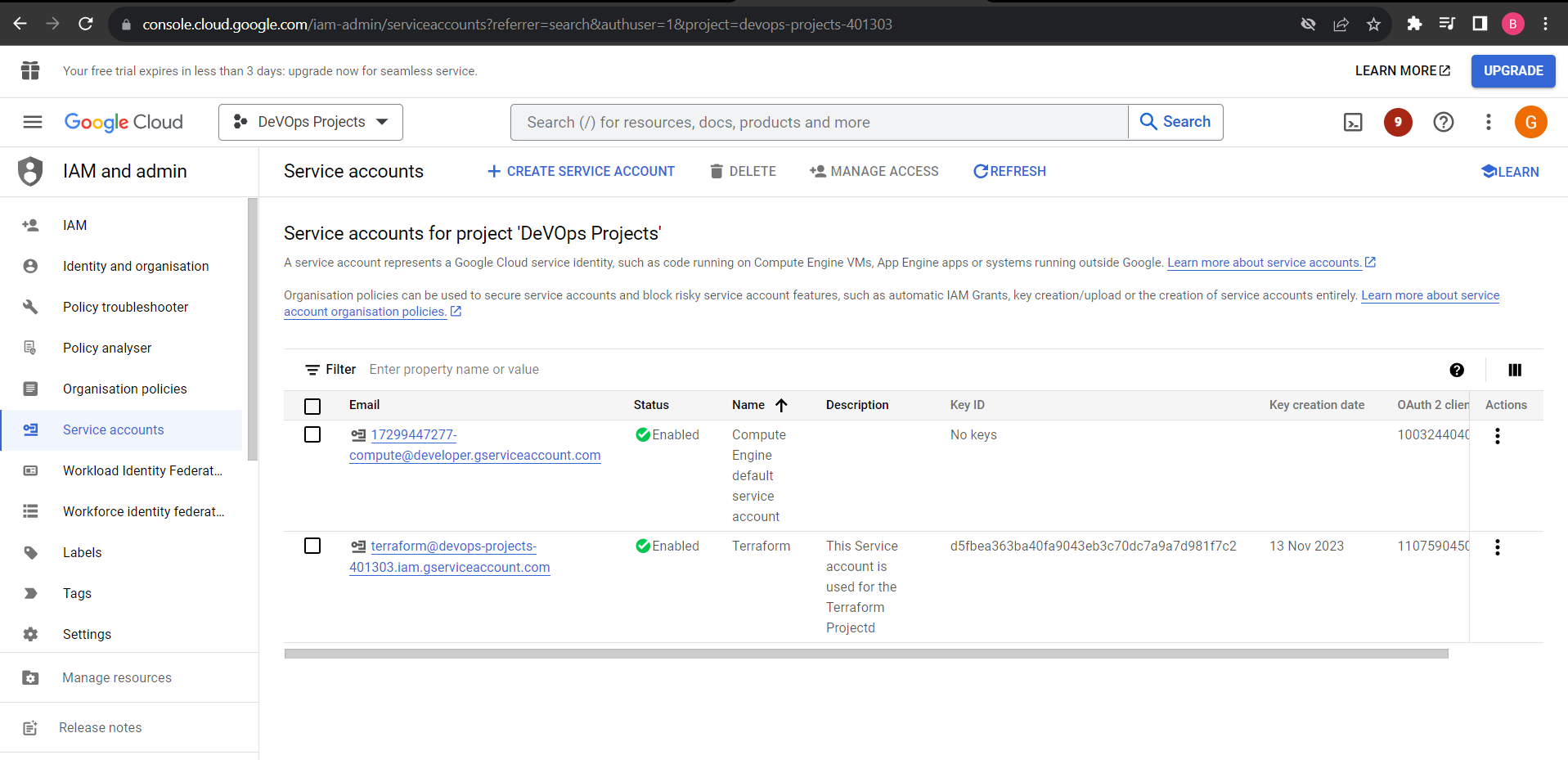
## Create a New Service Account
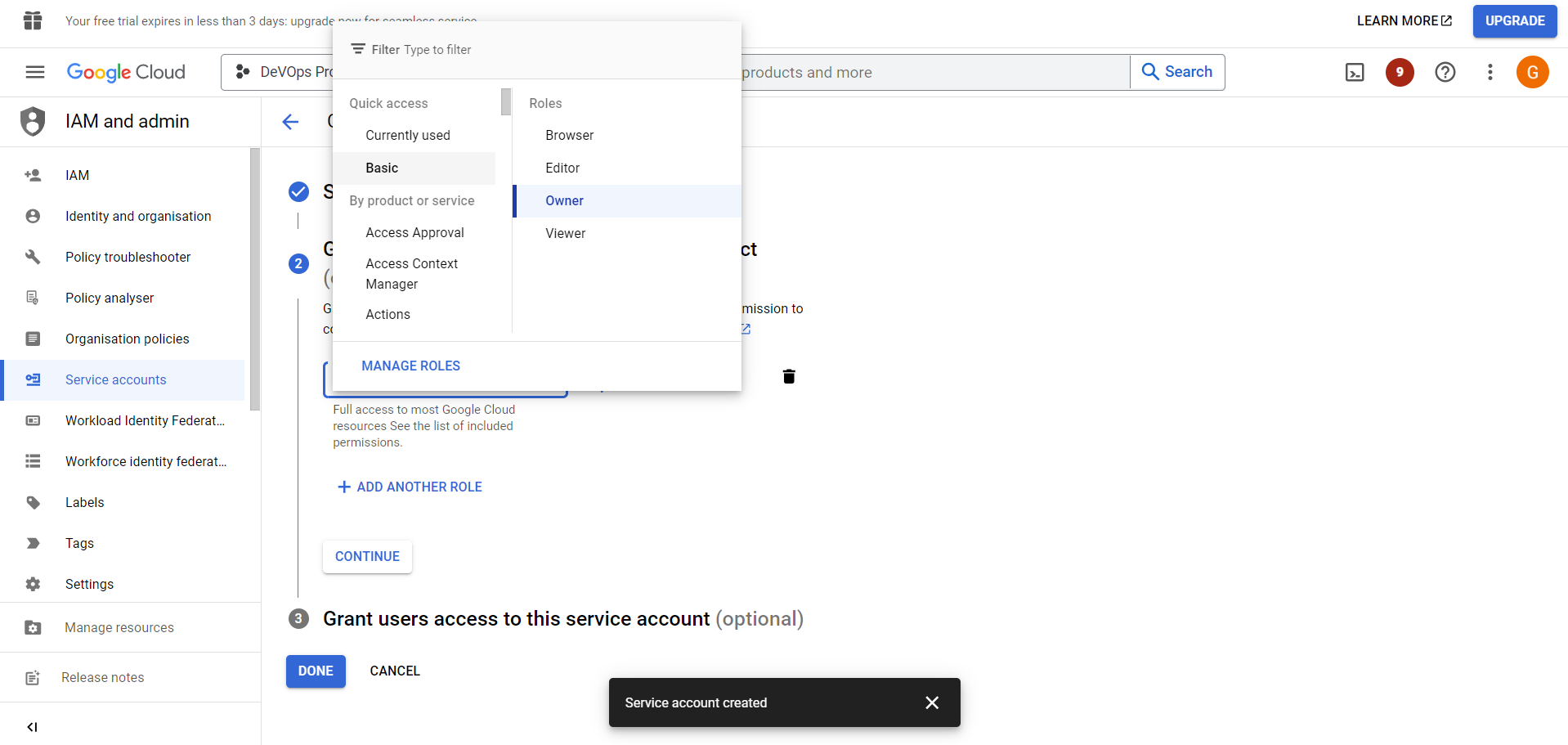
Goto the services Account -> Create A Service Account -> fill all the mension Details -> Create -> Assign the role - basic - OWner -> Create the account
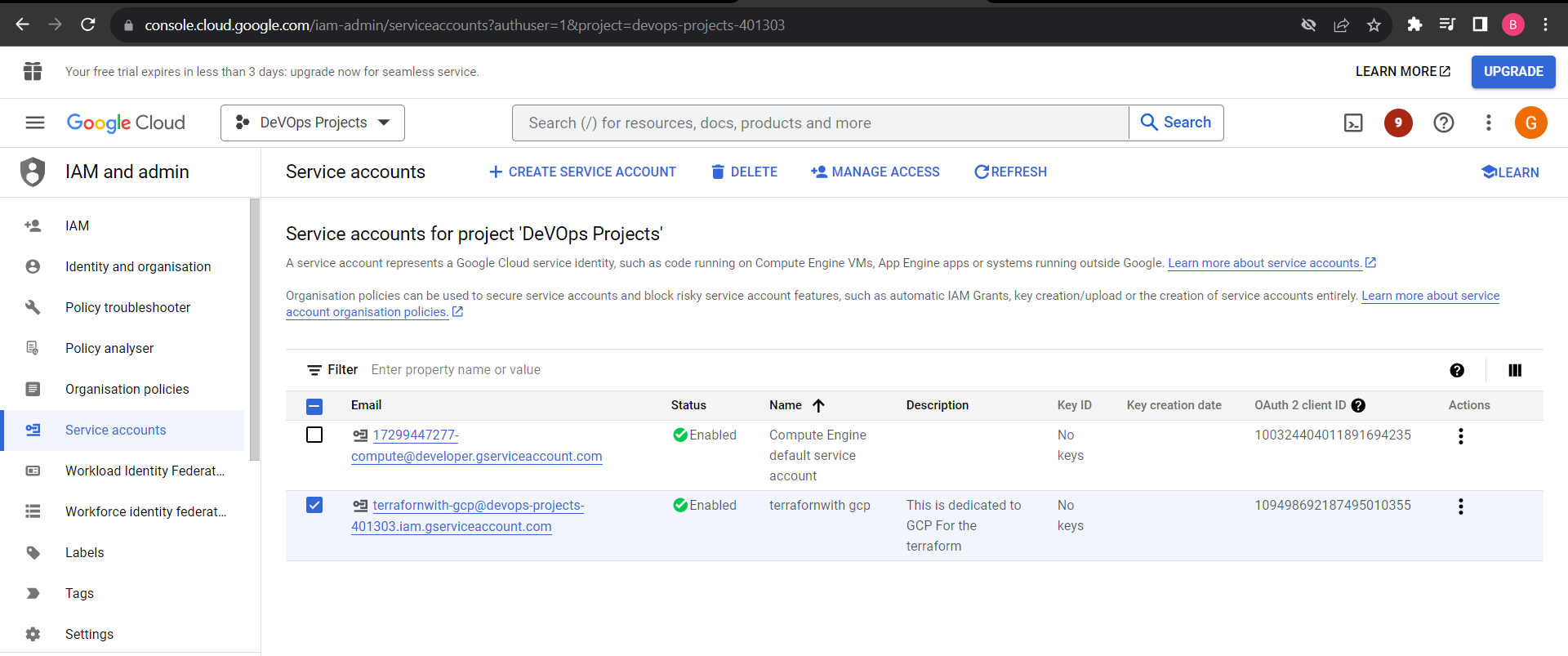
NOw, Account Created -
### Assign the API Key -
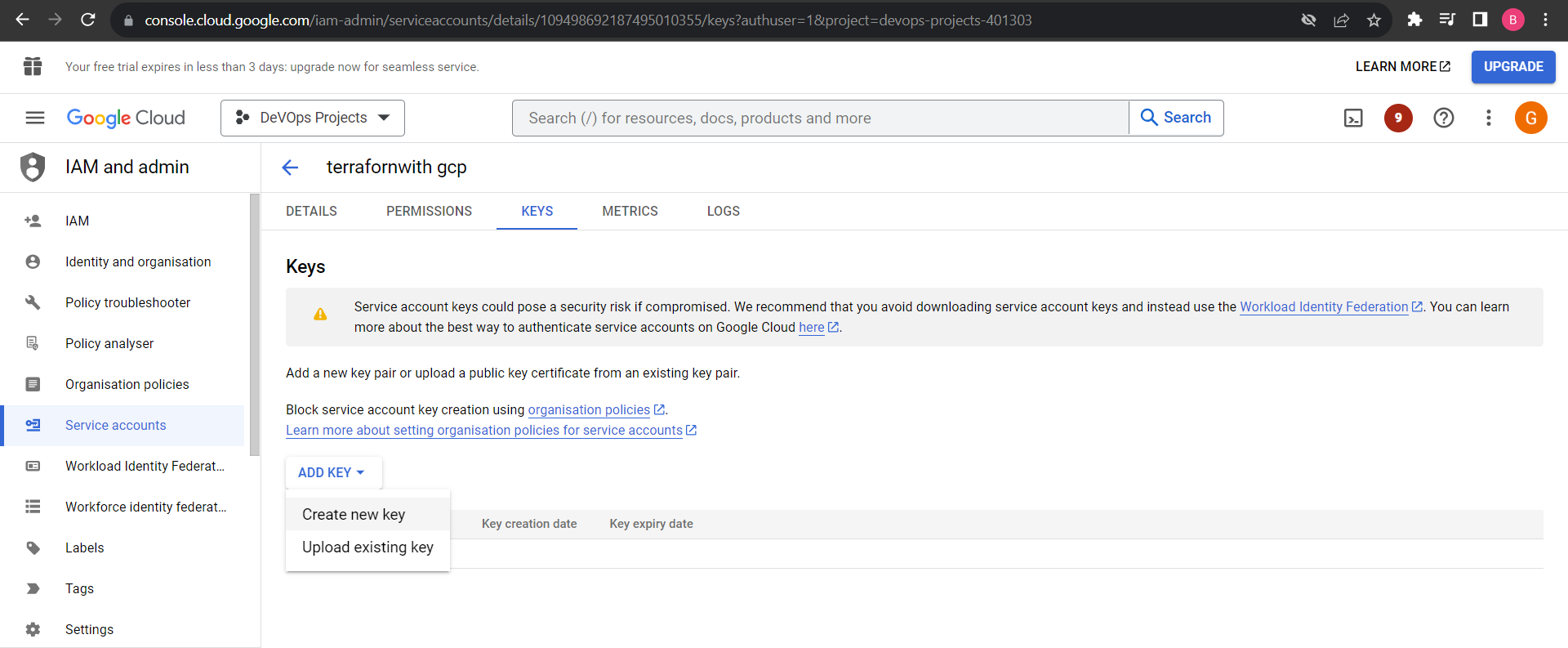
Double click on the Service account -> Keys -> Add Key -> Create New Key -> Choose the key type - JSON (Recommended) -> Create
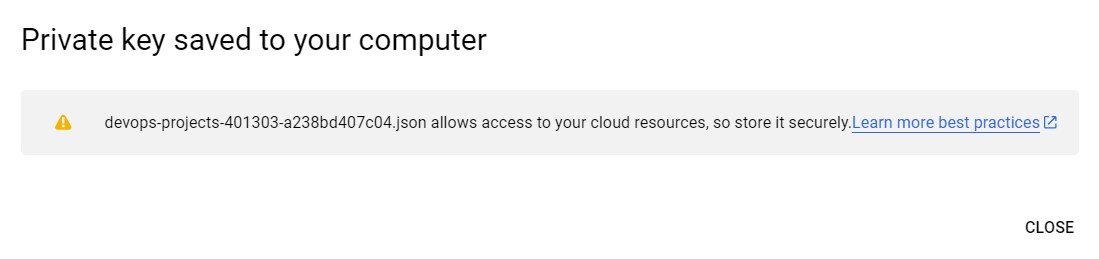
Then, This API Key Download on the Local Machine.
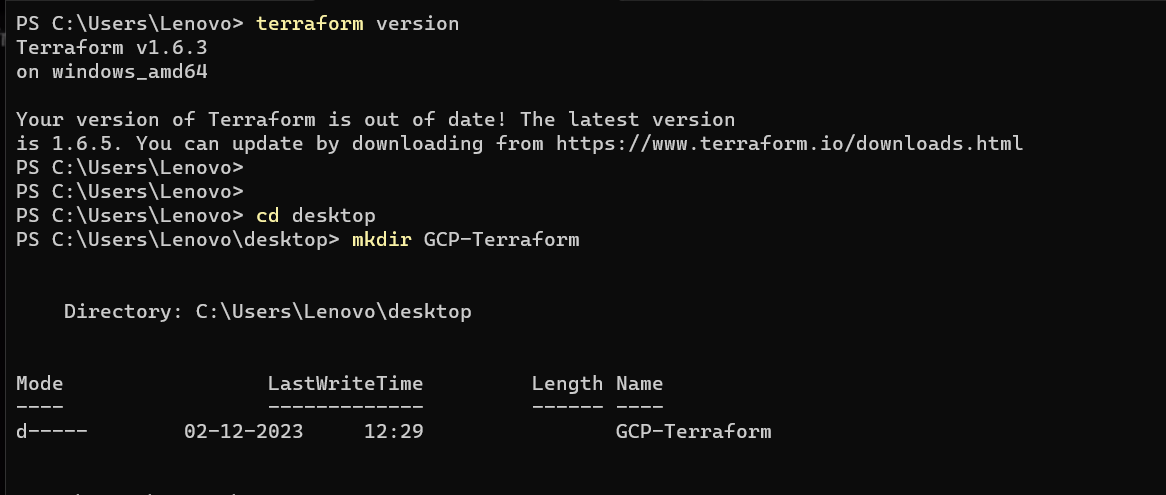
## Installing the terraform -
Use this official Document
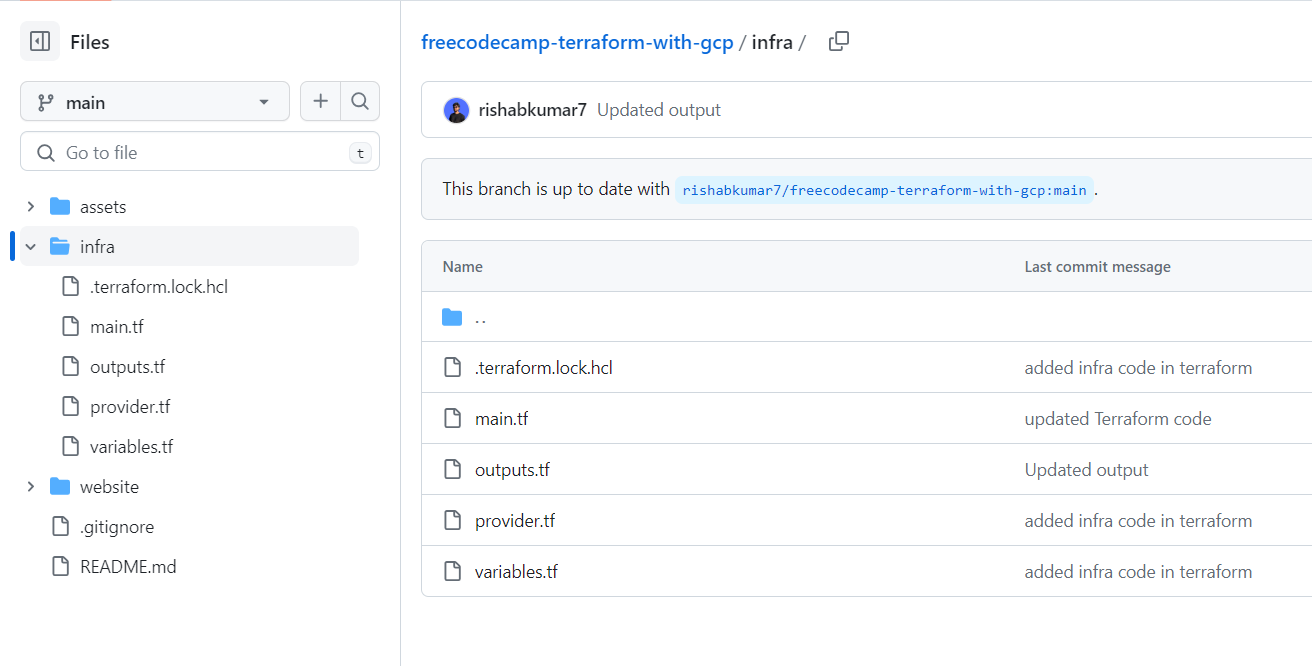
#### Repository link -
```
https://github.com/Bhushan0151/freecodecamp-terraform-with-gcp.git
```
### main.tf
```
resource "google_storage_bucket" "website" {
provider = google
name = "example-Bhushan-coffee7"
location = "US"
}
# Make new objects public
resource "google_storage_object_access_control" "public_rule" {
object = google_storage_bucket_object.static_site_src.output_name
bucket = google_storage_bucket.website.name
role = "READER"
entity = "allUsers"
}
#resource "google_storage_default_object_access_control" "website_read" {
# bucket = google_storage_bucket.website.name
# role = "READER"
# entity = "allUsers"
#}
# Upload the html file to the bucket
resource "google_storage_bucket_object" "static_site_src" {
name = "index.html"
source = "../website/index.html"
bucket = google_storage_bucket.website.name
}
# Reserve an external IP
resource "google_compute_global_address" "website" {
provider = google
name = "website-lb-ip"
}
# Get the managed DNS zone
data "google_dns_managed_zone" "gcp_coffeetime_dev" {
provider = google
name = "Bhushan-example"
}
```
Create A Directory and it in the code Editor or VS code -
File Strcture -
#### GCP-terraform -> Infra -> main.tf , variable.tf , Output.tf , provider.tf
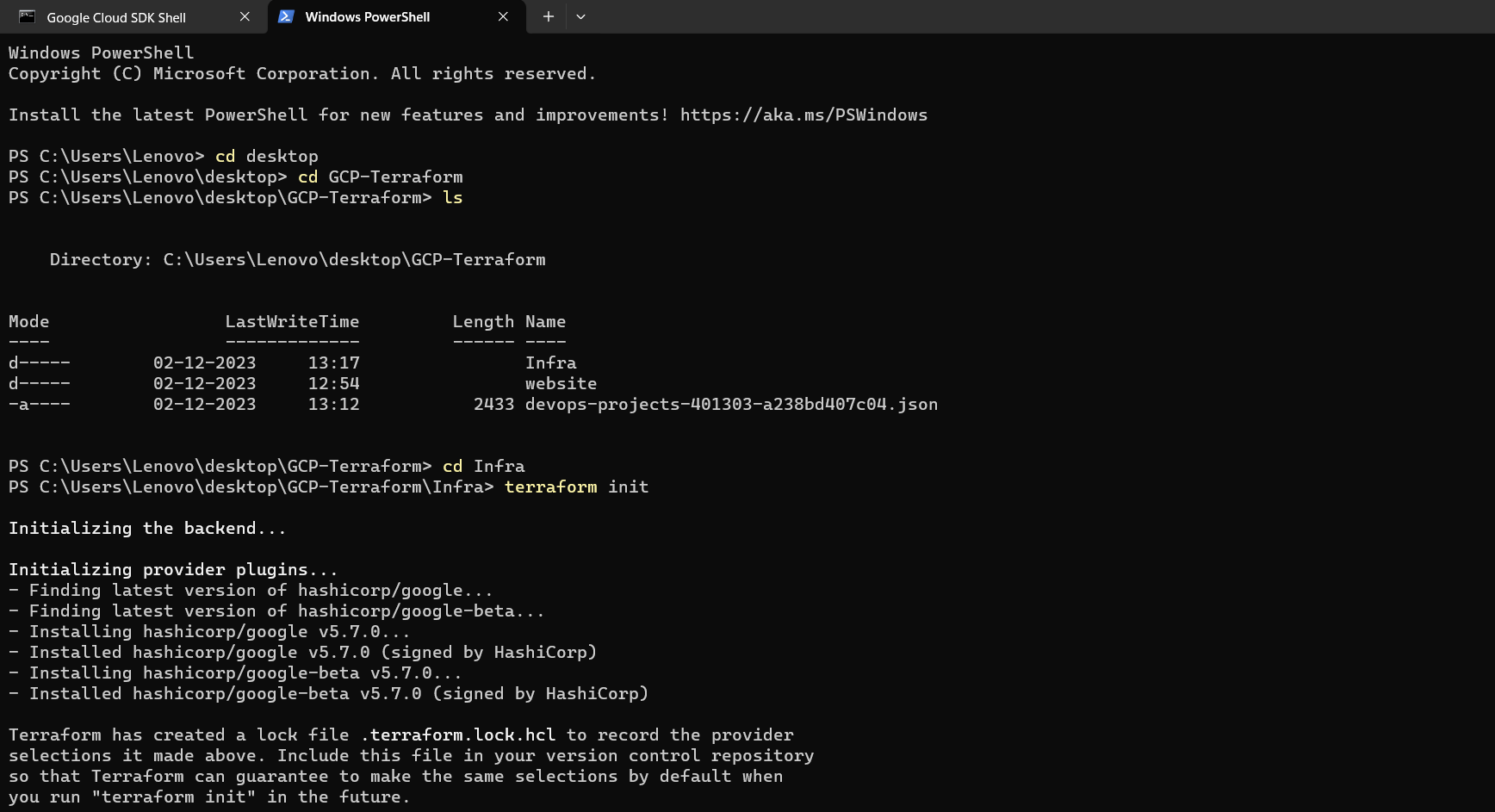
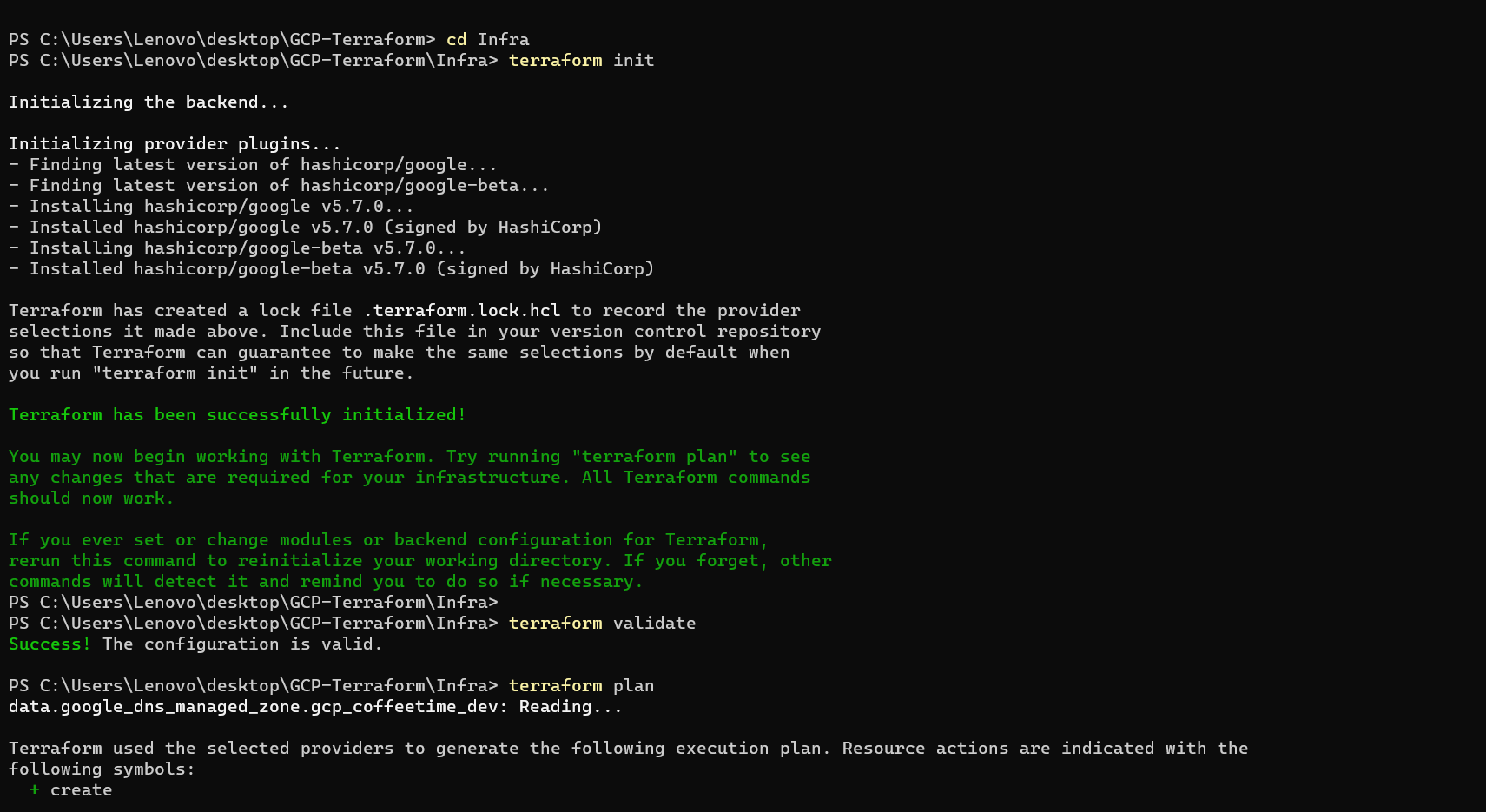
### terraform init
### terraform validate
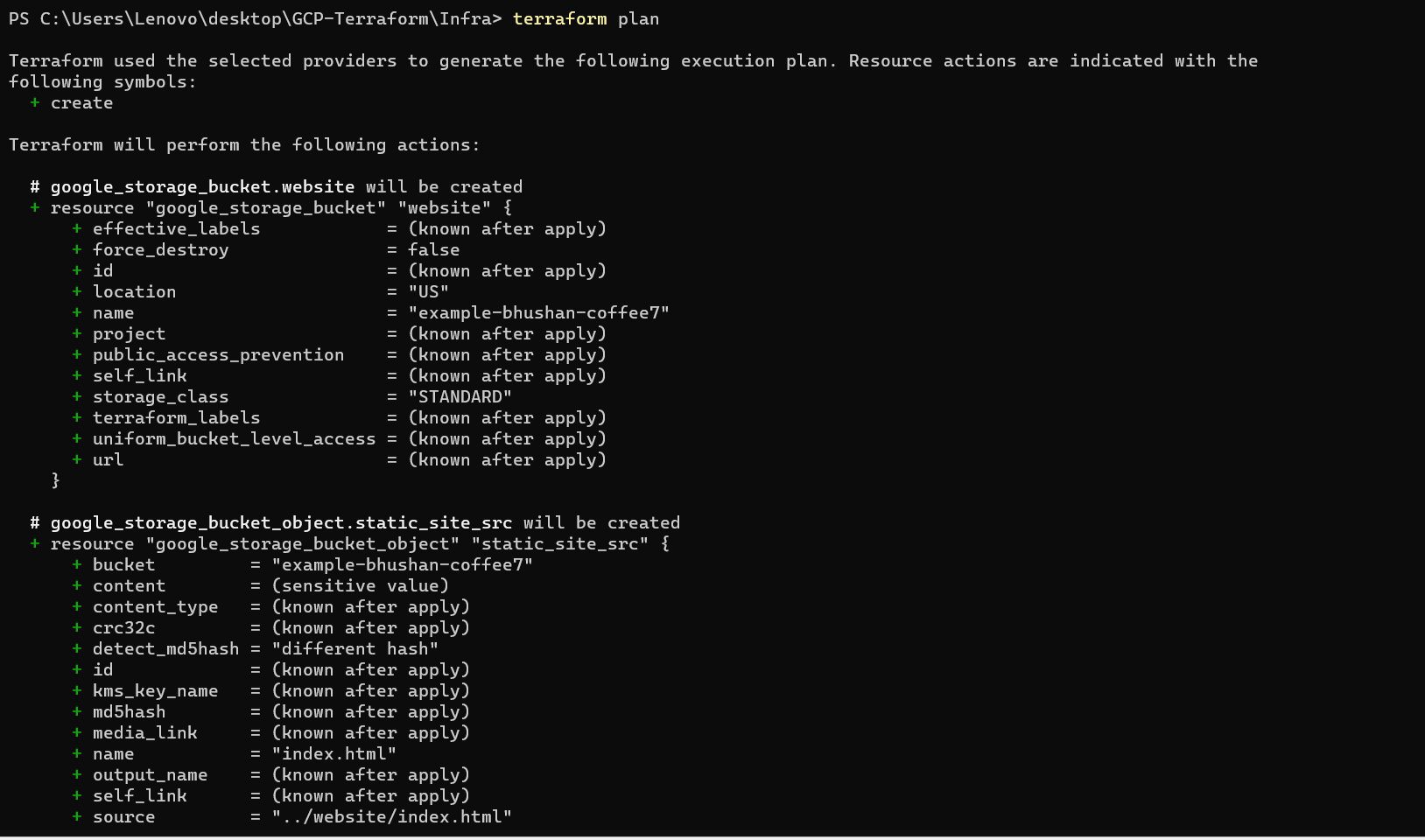
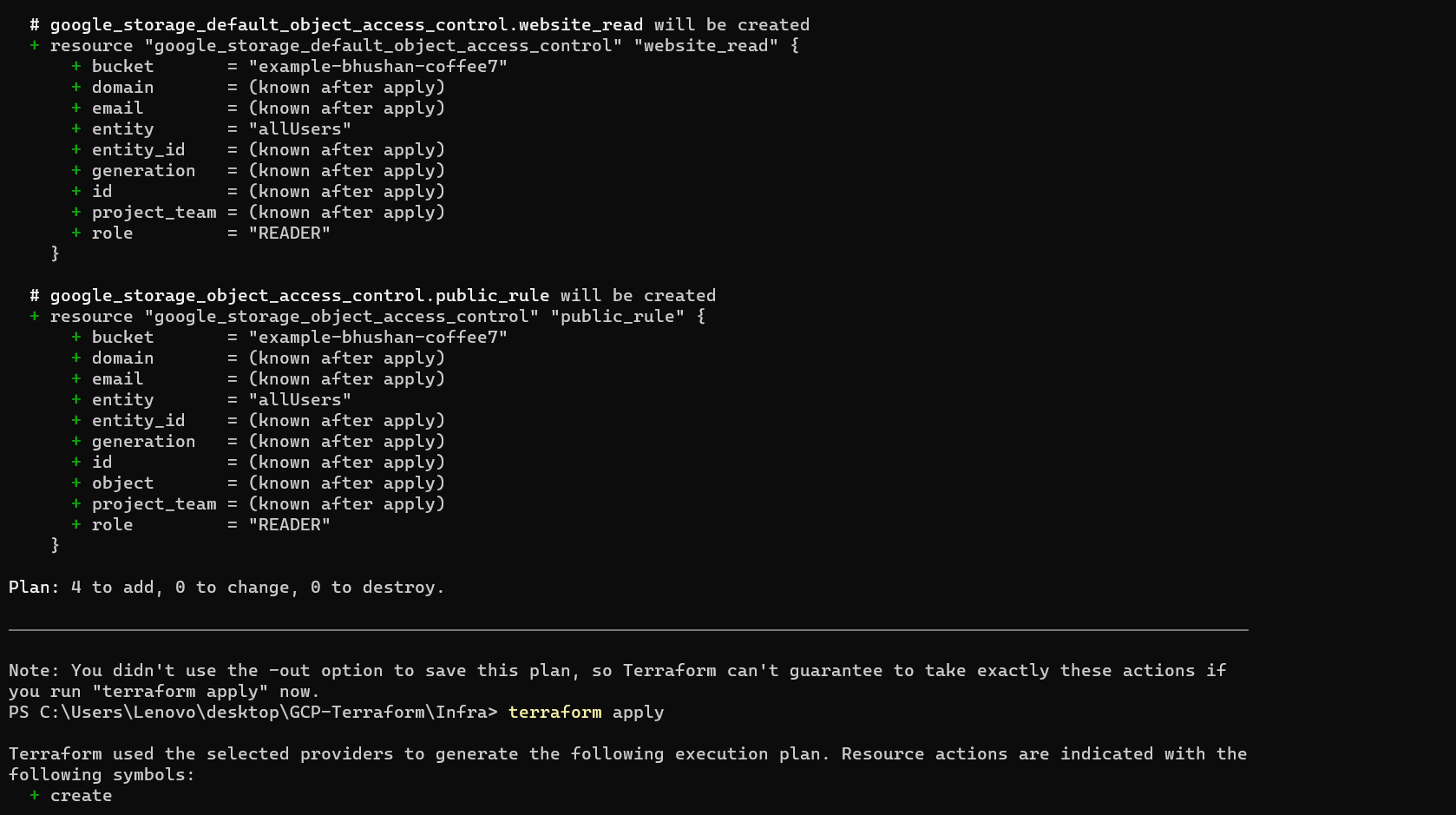
### terraform plan
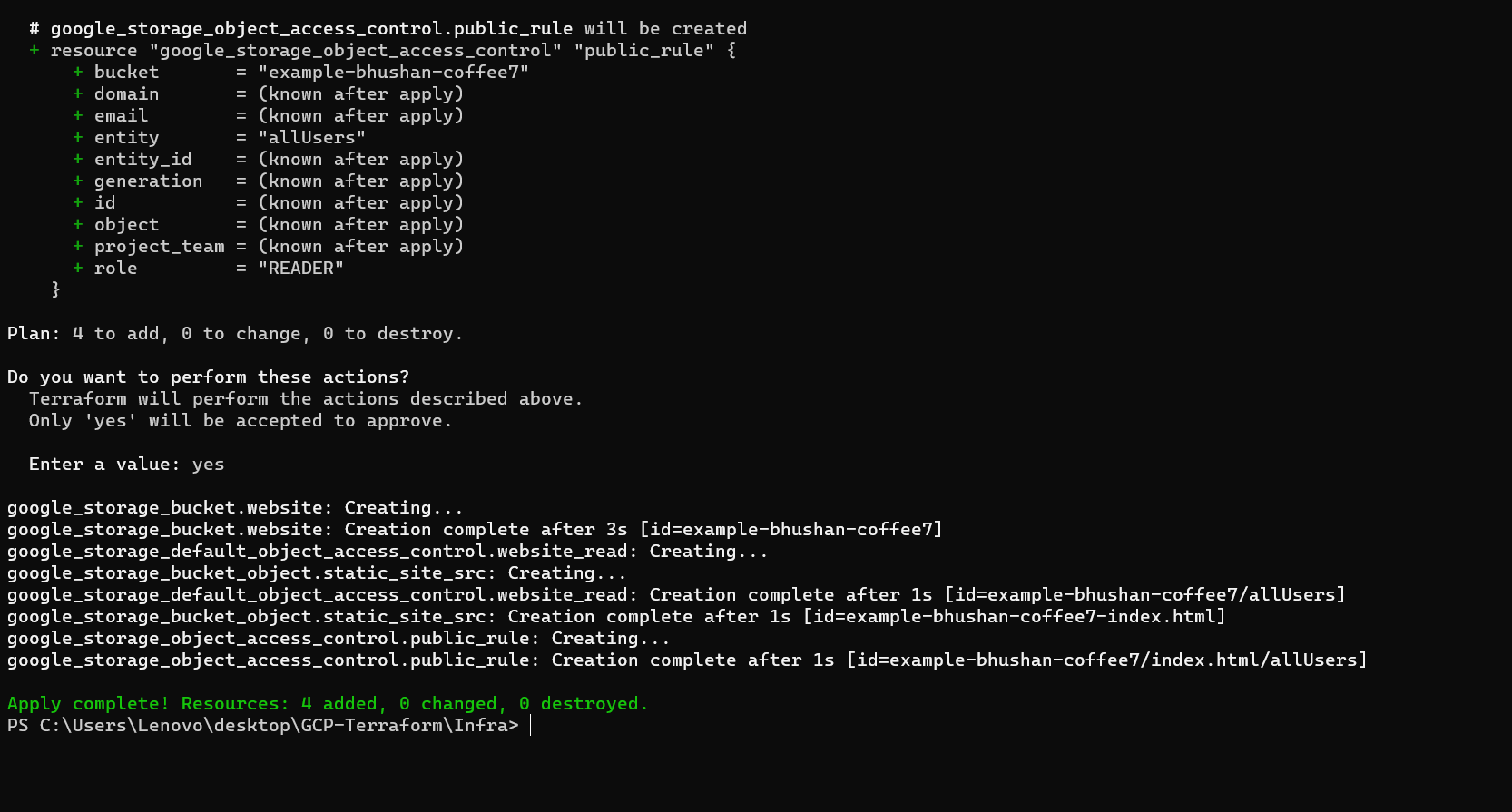
### terraform apply
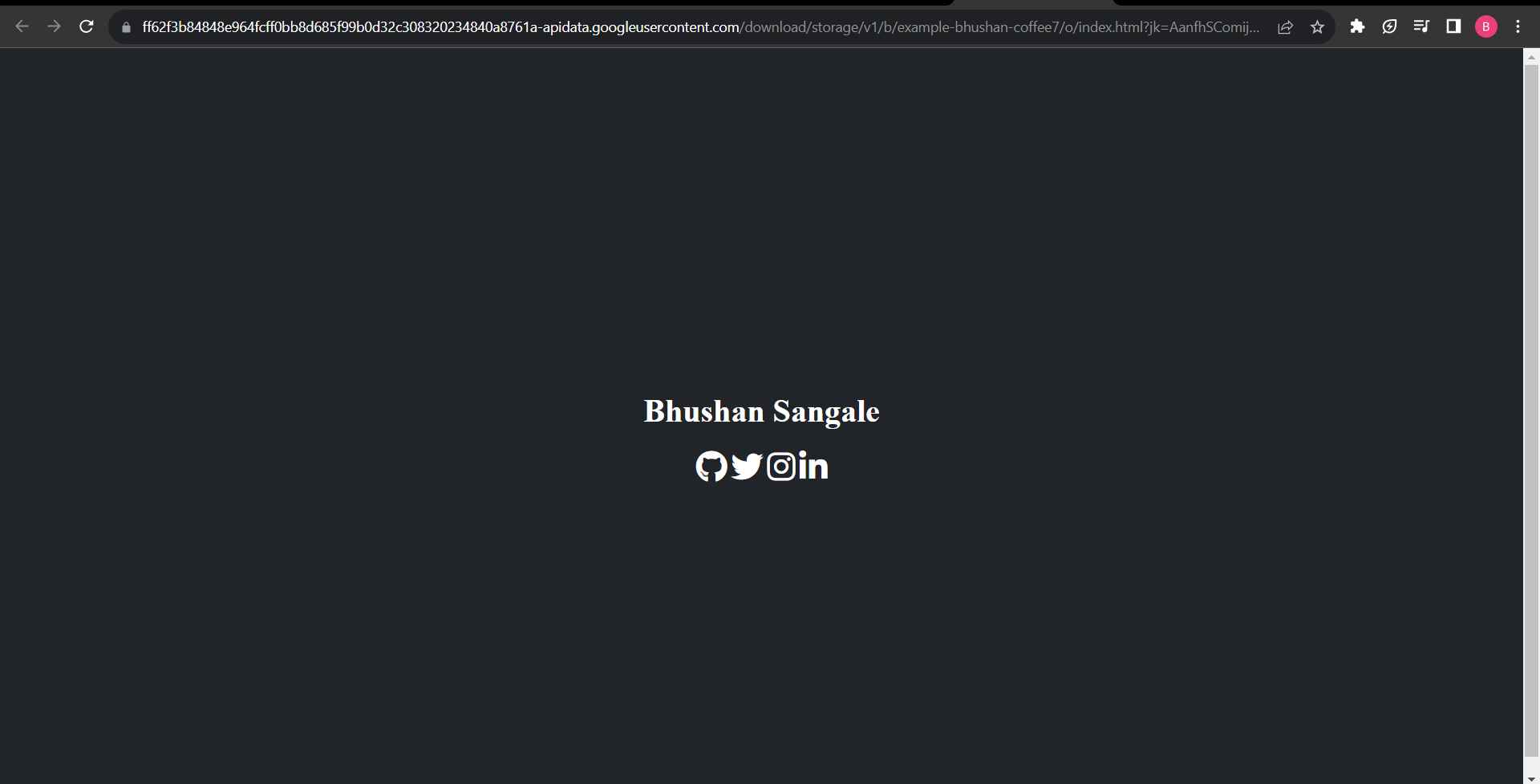
## OUTPUT -